

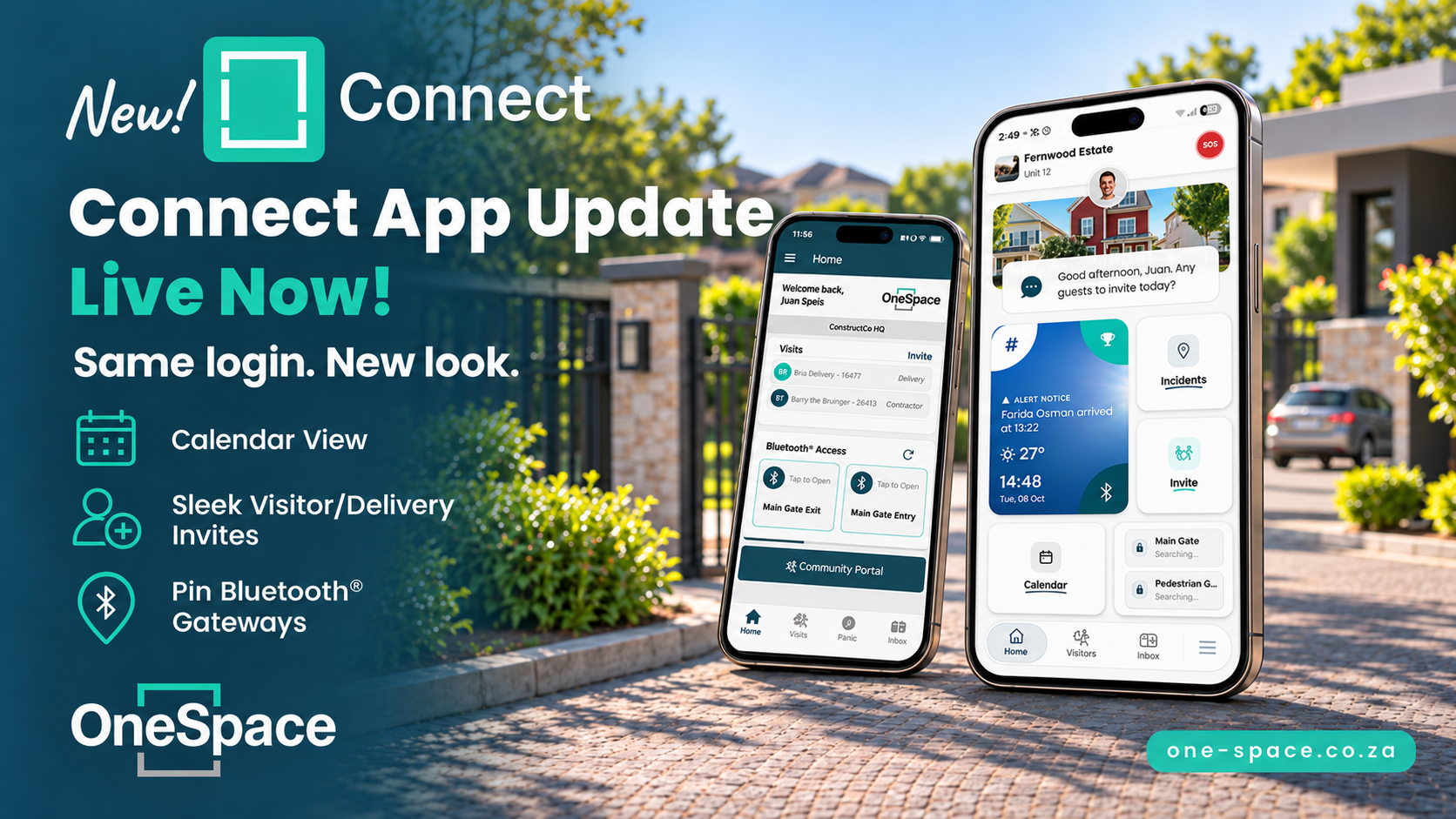
The new Connect is live. The app has a fresh design, and you can now use Connect in your browser at connect.1s.co.za as well. Your login stays exactly the same, and so do the things you already do: invite visitors, use your access methods, report incidents and send a panic alert.
What’s new for you
All your sites in one view. Linked to more than one site? Tap the layers button to see visits, messages, incidents and calendar items from all of them together.
Resident Portal features are now inside Connect. Bookings and events sit under Calendar. Documents and Memberships are in the menu.
Pinned Bluetooth® gates. In the app, you can rename, pin or hide the gates that appear on your Home screen so the ones you use most stay easy to reach.
Get the new app


Once you are in
Sign in with your usual email address or phone number and password.
Open the menu and tap Guided tours for a short walk-through of the new screens.
Prefer a bigger screen? Go to connect.1s.co.za and sign in with the same details. Opening gates with Bluetooth® still needs the app on your phone.
For approvals, access or estate information, contact your site manager. For help with the app itself, contact OneSpace Support at Support@one-space.co.za or (+27) 31 035 0941.