

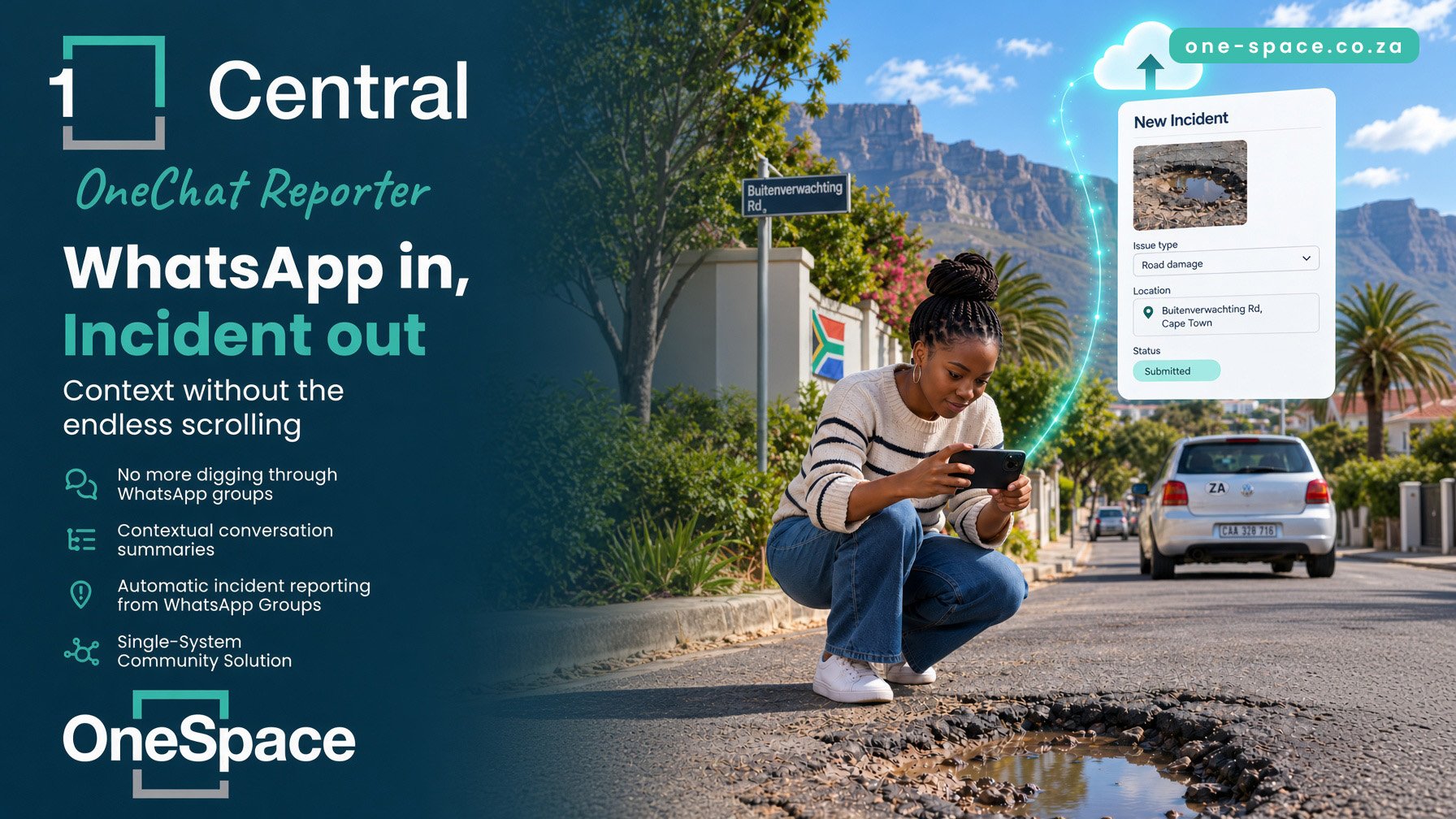
Introducing OneChat Reporter
OneChat Reporter lets you raise a Central Incident directly off a Message or a Conversation Insight inside OneChat — no separate form-filling exercise, no switching between the WhatsApp thread and a blank Incident screen trying to remember who said what.
See something in a conversation that needs to be logged? You raise it from right there, and the OneChat bot does the heavy lifting of pulling the relevant detail from the thread into the Incident for you.
How it works
The flow builds on the OneChat you already use:
Your OneChat bot keeps listening to the WhatsApp group it's connected to, grouping messages into conversations using the usual 20-minute rolling idle gap.
You review activity as normal, on the Messages tab or as a Conversation Insight card, with OneChat's existing summary, category, and severity already attached.
When something warrants a formal record, you raise an Incident straight from that Message or Conversation Insight.
The OneChat bot collates the relevant conversation detail into the Incident for you.
You add the location and log it — no retyping the conversation from scratch.
Why this is worth turning on
You're already paying the cost of good information going unrecorded — a resident's warning about a break-in attempt or a service delivery complaint that lives only in a WhatsApp thread isn't much use to your Central records six months later. OneChat Reporter closes that gap without adding admin: the detail capture that used to mean re-reading a thread and typing up a summary is done by the bot, and logging an Incident becomes a case of confirming the location and clicking log.
For teams already relying on OneChat's Intelligence tab to spot patterns across conversations, Reporter is the natural next step — it turns what you've already flagged as worth watching into something that's actually on record.
Getting started
If your estate already has OneChat connected, OneChat Reporter builds directly on that setup — there's no new group to add or bot to reconnect. Reach out to your OneSpace account manager or support to get it switched on for your site, and start turning conversations you're already reviewing into logged Incidents.